Nuvei
Nuvei is a global payment technology provider that supports online card processing across multiple markets.
When connected to Altruon, Nuvei allows you to process card payments in your checkout flow.
Supported Payment Methods
- Card Payments
- Credit cards
- Debit cards
Nuvei is currently enabled for card payments only in Altruon.
Requirements
To connect your Nuvei account to Altruon, you'll need the following credentials:
- merchant_id
- merchant_site_id
- secret_key
Helpful Links
You can retrieve these credentials from your Nuvei account and/or your Nuvei point of contact, based on your account setup.

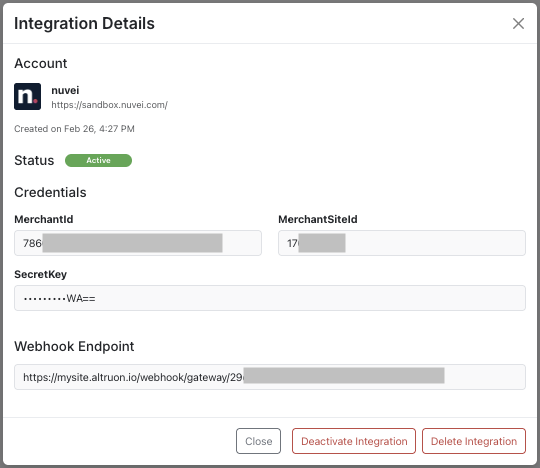
Step 1: Connect Nuvei to Altruon
- Log in to your Altruon account.
- Navigate to Settings > Payment Gateways.
- Click + Add Integration and select Nuvei.
- Enter your:
- merchant_id
- merchant_site_id
- secret_key
- Click Save.
If the connection is successful, you will see the Nuvei integration marked as Active in Altruon.
Step 2: Webhook Behavior
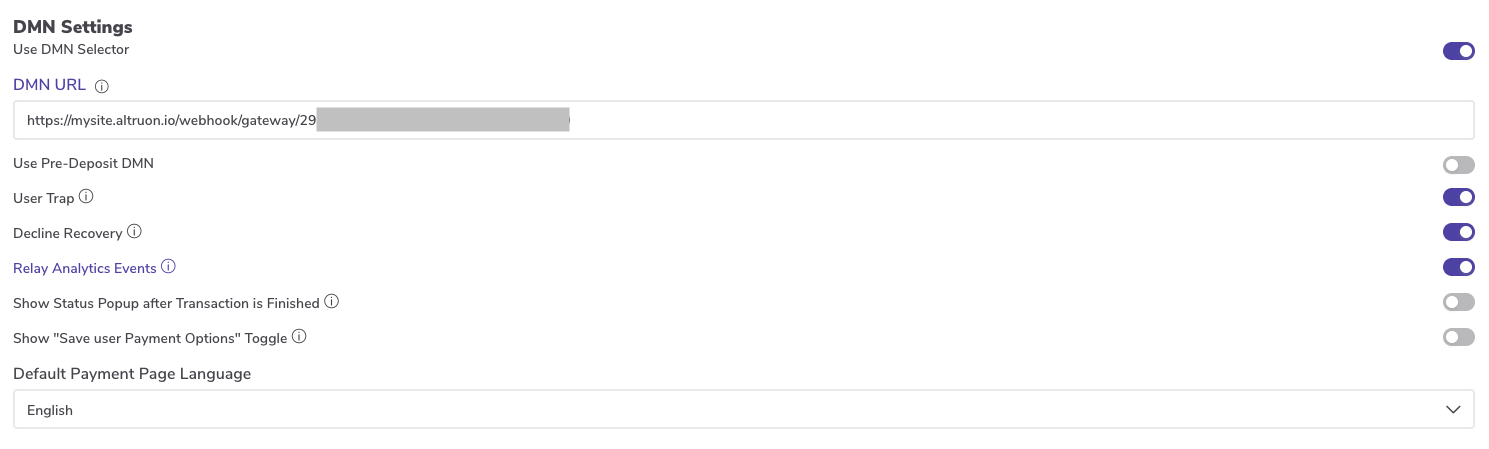
Altruon provides a dedicated DMN endpoint for your Nuvei integration.
You need to copy this endpoint from Altruon and configure it in Nuvei.
Recommended checks:
- Confirm your Nuvei account is enabled for DMN/notification callbacks.
- Run a test payment and verify status transitions are reflected in Altruon.
If your merchant account already uses a primary DMN endpoint, share the Altruon DMN endpoint with your Nuvei technical contact so they can add it as a secondary DMN endpoint.
Step 3: Configure Payment Routing
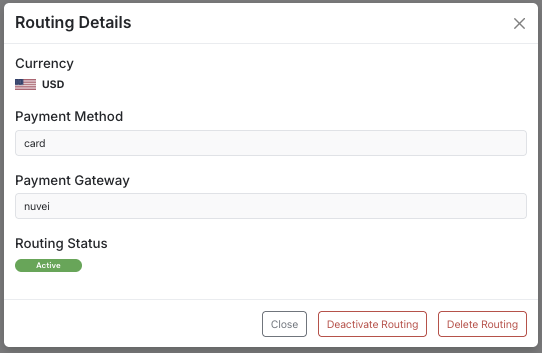
Once Nuvei is connected, configure routing rules so card payments are sent to Nuvei:
- Go to Settings > Payment Gateways > Routing.
- Click + Add Entry.
- Select:
- Payment Method:
Card - Gateway:
Nuvei - The currencies you want to process
- Payment Method:
- Click Save.
For more details, refer to the Quick Start guide.
🎉 Success
Your Nuvei gateway is now successfully connected to Altruon!
You can start processing card payments through your Altruon checkout flow.