Quick Start
Welcome to the Altruon Quick Start guide! 🎉
This guide walks you through the platform setup every merchant needs (connecting a Payment Gateway, configuring routing, and connecting a Billing Platform) and then lets you pick the integration path that fits your business.
Prerequisite: You should already have sandbox access to Altruon.
If not, please follow the steps in How to get sandbox access?.
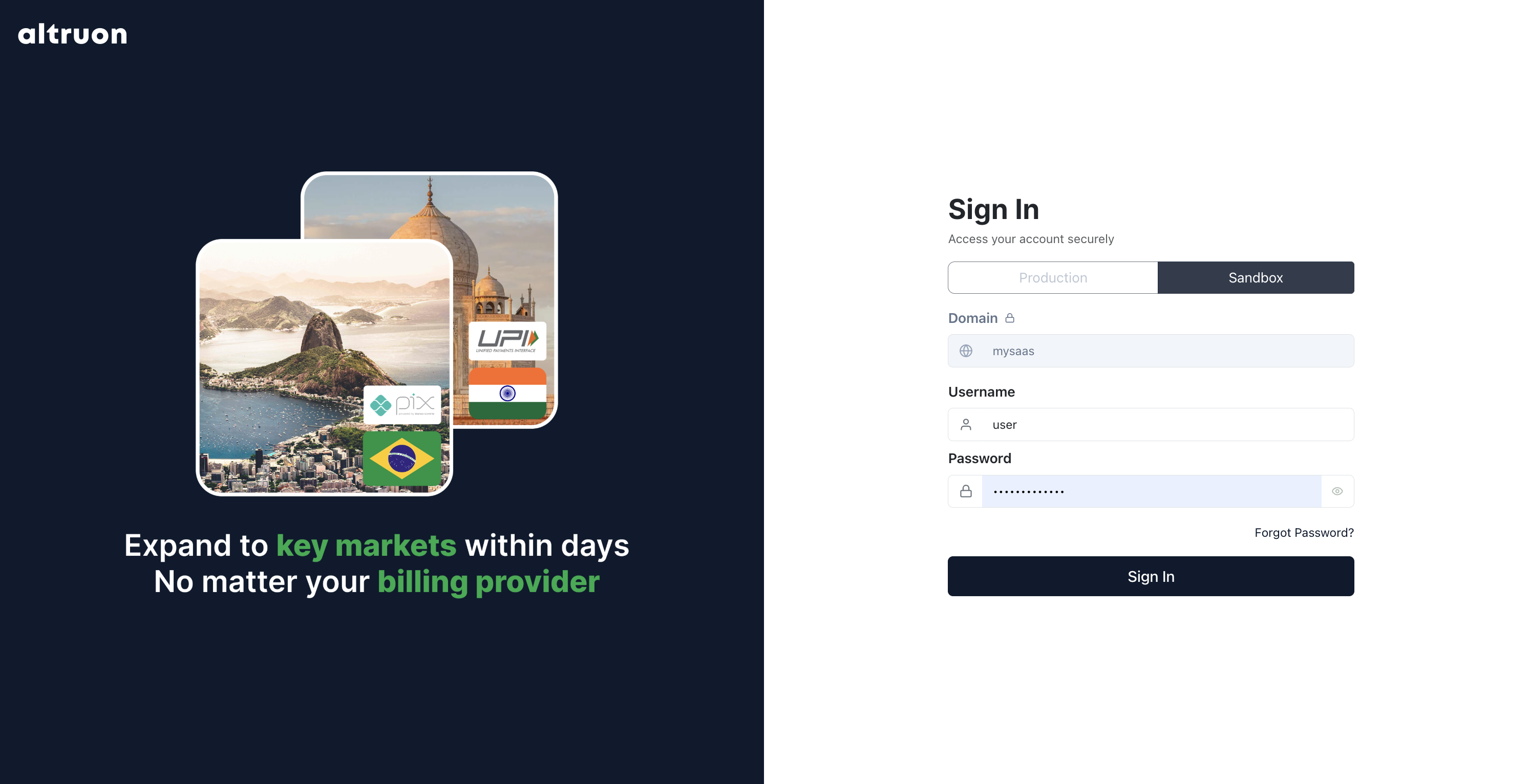
1. Login to your Altruon account
Log in to your sandbox account with your merchant credentials.
2. Connect your Payment Gateway
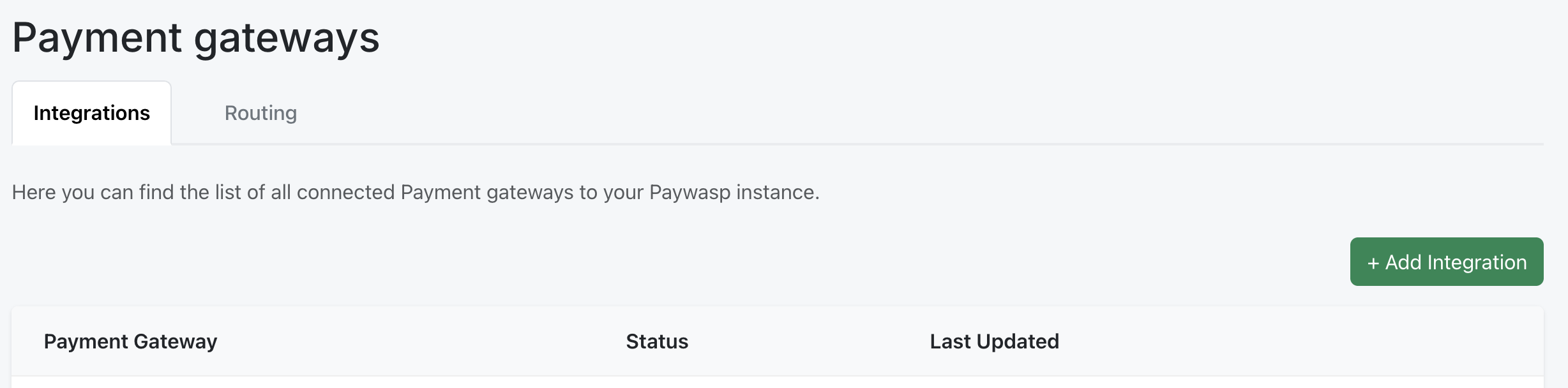
- Go to Settings > Payment Gateways.
- Click + Add Integration.
- Based on the gateway you want to add, follow the appropriate guide in Integrations > Payment Gateways.
3. Configure Payment Routing
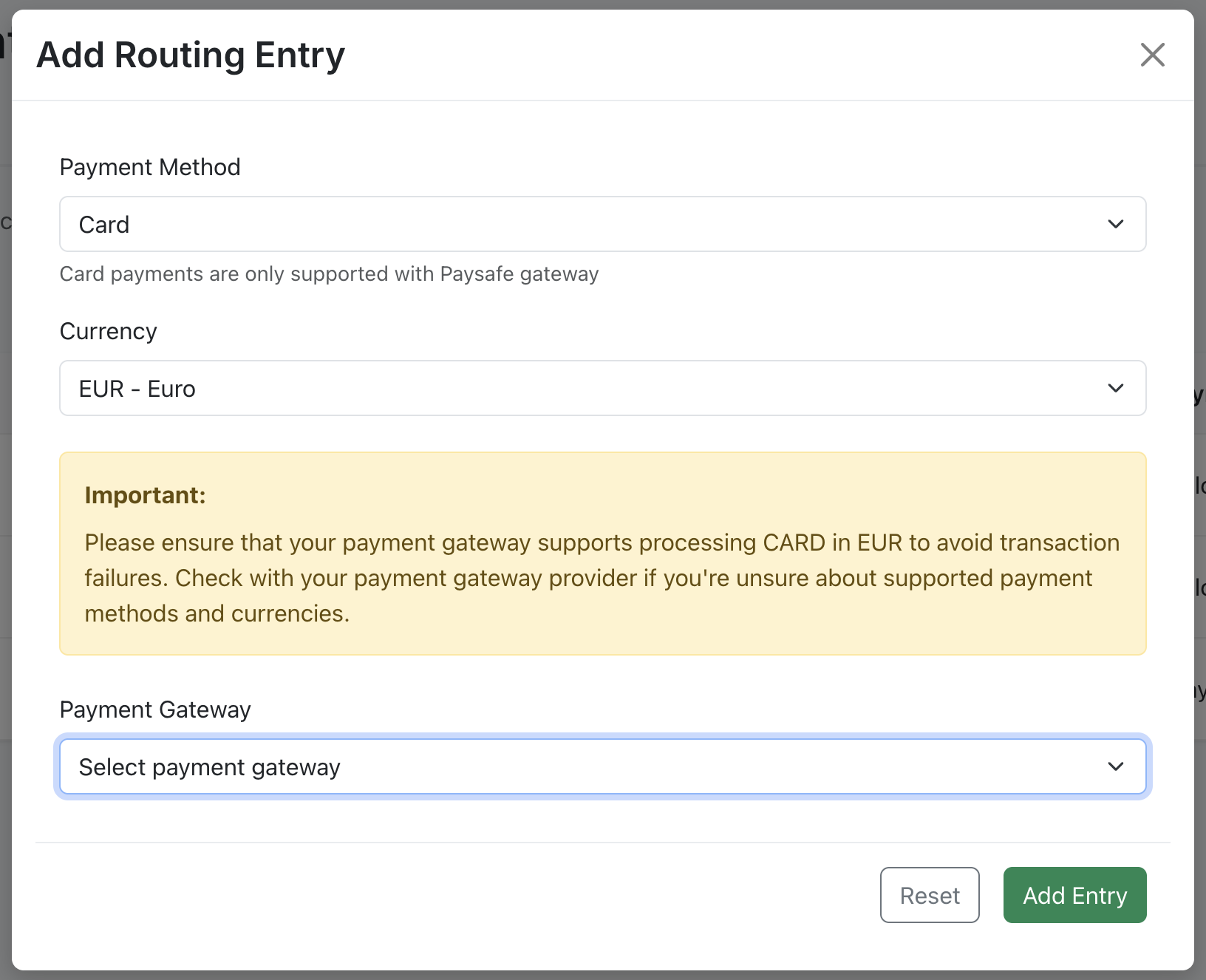
- Once your gateway is successfully connected, go to the Routing tab.
- Click + Add Entry.
- Select:
- Payment Method (e.g. card, Pix, UPI, etc.)
- Currency
- Gateway
4. Connect your Billing Platform
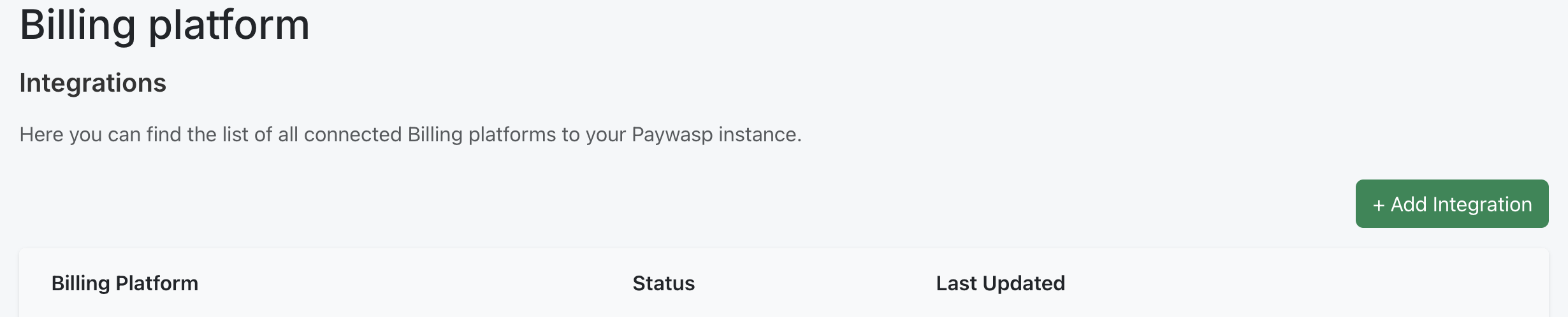
- Go to Settings > Billing Platforms.
- Click + Add Integration.
- Follow the appropriate guide in Integrations > Billing Providers.
5. Choose your integration path
Your Altruon backend is now fully wired: payments are routed to your gateway, and subscriptions are created on your billing platform. The last step is deciding how your customers reach the checkout. There are two paths, and you can also use both at the same time (e.g. Hosted Pages for sales-led deals, Altruon JS for your self-serve signup flow).
| 🚀 Hosted Pages (quick route) | 🧩 Altruon JS (embedded) | |
|---|---|---|
| What it is | Secure, shareable checkout links fully hosted by Altruon | Altruon's payment component embedded in your own checkout page |
| Coding required | None, everything is configured in the backoffice | Frontend + a small backend endpoint |
| Branding | Your logo, colors and page skin, on an Altruon-hosted page | Your page, your design: the payment component adapts to your style |
| Best for | Going live in minutes, payment links in emails/invoices, sales-assisted checkout | SaaS signup flows, custom checkout experiences |
| Time to first payment | ~5 minutes | ~1 hour |
Path A: Hosted Pages
Create reusable checkout links from the backoffice: pick a plan, optional addons and coupons, and share the generated URL. Altruon hosts the entire checkout page with your branding and tracks conversion per link.
👉 Continue with the Hosted Pages guide
Path B: Altruon JS
Embed Altruon's payment component in your own checkout page for a fully branded, seamless experience. Your backend creates a checkout session, and the SDK renders the payment form and reports the outcome via callbacks.
👉 Continue with the Altruon JS Quick Start
See it in action first: the Altruon Merchant Demo is a complete, open-source reference integration of Altruon JS: a branded SaaS checkout with an Express backend, live tax estimates, redirect/QR payment flows and a post-payment transaction report. Clone it, plug in your sandbox keys, and you have a working checkout to learn from.
✅ Whichever path you choose, once a test payment completes:
- A Subscription is created on your Billing Platform.
- The Invoice is automatically flagged.
- The Transaction is recorded with the native gateway Transaction ID.
- Recurring charges are automatically managed by Altruon until the subscription is paused or cancelled.